
Export Excel
Exportez votre audit SEO complet en un fichier Excel professionnel avec 9 onglets de donnees, pret pour l'analyse et le suivi.
Qu'est-ce que l'export Excel?
TeckBlaze genere un fichier Excel (.xlsx) complet contenant toutes les donnees de votre audit SEO, organisees en 9 onglets professionnels. Chaque onglet est optimise pour un aspect specifique de l'audit : resume global, inventaire des pages, problemes detectes, performance Lighthouse, accessibilite, liens brises, images, recommandations IA et redirections. Le fichier utilise une mise en forme conditionnelle avec code couleur (vert/orange/rouge) pour identifier rapidement les problemes critiques. Les en-tetes sont figes, les filtres automatiques sont actifs, et les colonnes sont auto-dimensionnees pour une lecture immediate. C'est l'outil ideal pour les equipes SEO qui doivent analyser les donnees en profondeur, creer des plans d'action et tracker la resolution des problemes au fil du temps.
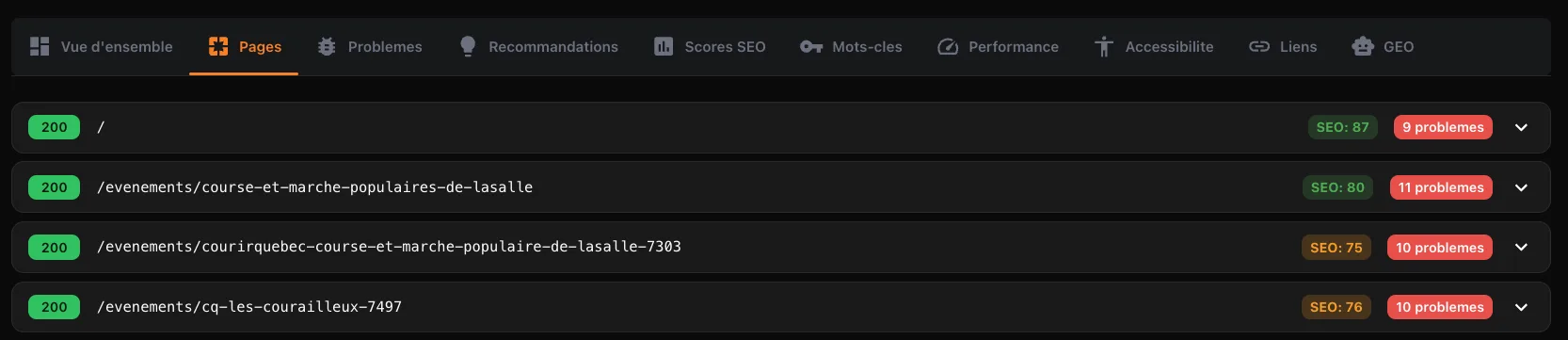
Les 9 onglets de l'export Excel
- Summary — Score global, scores par categorie, nombre de problemes par severite, infos du site
- All URLs — Inventaire complet : URL, statut HTTP, titre, meta description, H1, canonical, nombre de mots, temps de reponse, profondeur
- SEO Issues — Tous les problemes detectes avec severite (critique/eleve/moyen/faible), type, message et page affectee
- Performance — Scores Lighthouse par page + Core Web Vitals : LCP, FCP, TBT, CLS, Speed Index
- Accessibility — Violations axe-core avec impact, description, aide et nombre de noeuds affectes
- Broken Links — Liens brises : page source, URL cible, code statut, texte du lien
- Images — Toutes les images avec src, texte alt, dimensions, attribut loading
- Recommendations — Recommandations IA classees par priorite et categorie avec description, impact et instructions de correction
- Redirects — Pages qui redirigent avec URL de destination et code statut
Comment ca fonctionne
A la fin de chaque scan, cliquez sur le bouton 'Excel' dans la barre de resultats. Le fichier est genere cote serveur avec ExcelJS. Chaque onglet a des en-tetes en gras sur fond sombre, des filtres automatiques sur chaque colonne, une premiere ligne figee, et des colonnes auto-dimensionnees. Les cellules de severite sont colorees automatiquement : rouge pour critique, orange pour eleve, jaune pour moyen, vert pour faible. Les scores sont aussi colores : vert >= 80, orange 50-79, rouge < 50. Le fichier est pret a etre ouvert dans Excel, Google Sheets ou LibreOffice sans aucune configuration.
Pourquoi c'est important
Un audit SEO genere des centaines de donnees. Sans export structuree, il est impossible de prioriser, deleguer et suivre les corrections. Le fichier Excel permet de filtrer par severite pour traiter les critiques en premier, de trier par page pour identifier les pages les plus problematiques, et de partager avec votre equipe de developpement les corrections techniques a effectuer. Vous pouvez aussi comparer deux exports dans le temps pour mesurer votre progression. C'est votre plan d'action SEO complet dans un seul fichier.
Contenu de l'export
| Onglet | Colonnes | Donnees type |
|---|---|---|
Summary | 12 | Scores, issues, config du site |
All URLs | 13 | URL, status, title, meta, H1, words, depth |
SEO Issues | 5 | Severite, type, message, details, page |
Performance | 10 | Scores LH + Core Web Vitals par page |
Accessibility | 6 | Violation, impact, description, aide, noeuds |
Broken Links | 4 | Source, cible, status, texte |
Images | 6 | Src, alt, dimensions, loading |
Recommendations | 8 | Priorite, categorie, titre, impact, fix |
Redirects | 3 | URL, destination, status code |